
Your wallets
Master, dev and bundle wallets, moving funds between them, gas, Collect and sweep.
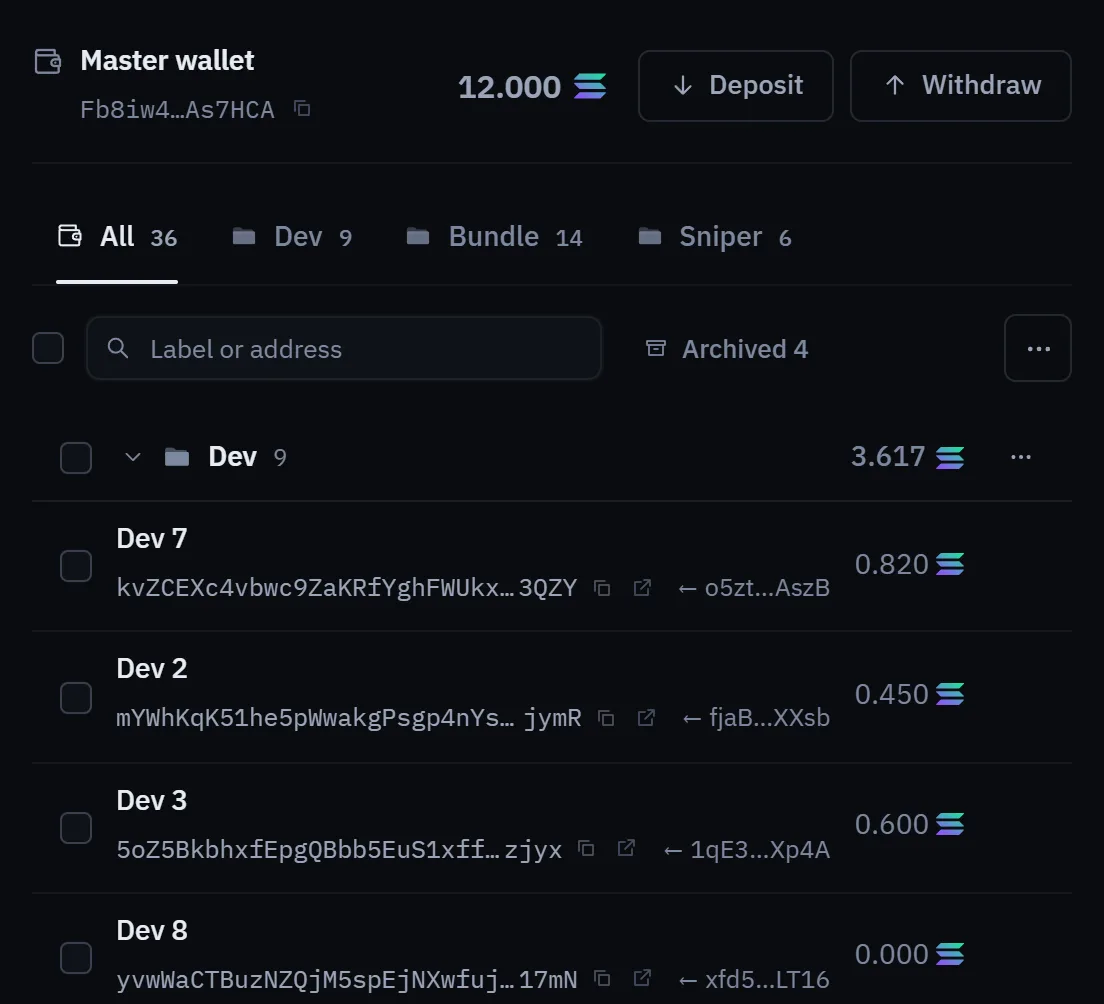
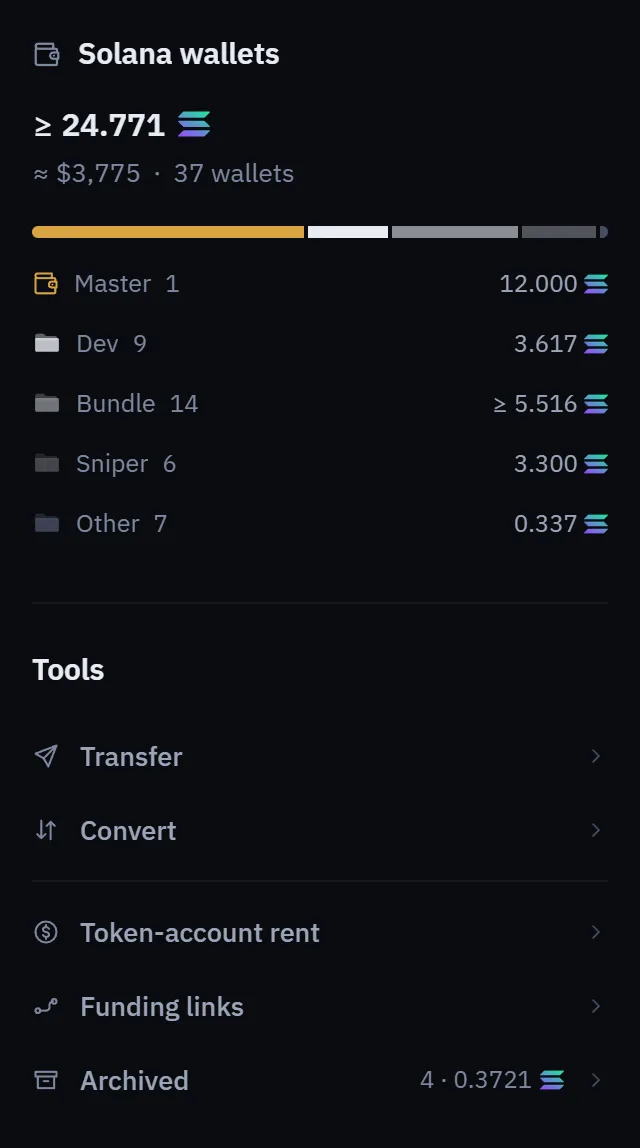
Your account holds several wallets on each network. Lucky Launch creates and keeps them for you, so you never paste a key into the console. The Wallets page shows every wallet with its balance, one chain at a time.
Wallet roles#
- Master
- One per chain: Solana and Robinhood Chain get theirs when you accept the terms, and BNB Chain, Arc and Ethereum each have their own on their tab. It is your deposit address, it funds your other wallets and pays for launches, and it receives what you sweep and collect. You can replace it from its Deposit window; see Exporting and importing keys.
- Dev wallets
- A dev wallet creates a coin and makes the dev buy. A fresh dev wallet is one that has not launched before. A hot dev wallet is one you reuse across launches. A wallet marked Ready is free to launch a new coin.
- Bundle wallets
- These buy alongside a launch and hold positions afterwards. Create as many as you need from the Wallets page, and choose which of them take part in each launch.
Moving funds between your wallets#
Moves between your own wallets are quick and cost only the network fee. They do not need a confirmation, because the funds stay inside your account.
- Fund
- Sends funds from your master to the wallets you choose, or to every wallet in a folder (Dev or Bundle).
- Transfer
- Sends funds from one of your wallets to another of yours. Sending to an outside address is a withdrawal.
- Sweep to master
- Sends the funds of the wallets you tick back to your master. Each wallet keeps a small amount for gas, and a wallet that holds a coin keeps a little more so it can still sell.
- Sweep all
- Empties every dev and bundle wallet into your master. Wallets that hold a coin keep their sell reserve. A wallet that is in the middle of a launch or a trade is skipped, and you are told which.
Gas#
Each wallet that signs a transaction pays its own network fee in its chain's own coin: SOL on Solana, ETH on Robinhood Chain and Ethereum, BNB on BNB Chain and USDC on Arc. Lucky Launch never pays it for you.
- Top up gas fills every wallet in a folder that is below the gas reserve from your master.
- A trade can also top up wallets that are short of gas before they buy.
- A wallet that holds a coin you may want to sell should always keep a little gas.
Collect#
Collect, on the Rewards page, gathers what is scattered across your wallets back into your master in one pass. It does these things, and shows the plan before it runs:
- claims the creator fees your coins have earned, on each venue;
- closes empty token accounts and returns their rent;
- unwraps wrapped SOL;
- moves stray stablecoins and quote tokens into your master.
Collect never sells your coins and never burns anything on its own. Dust tokens are burned only if you choose to, one coin at a time, and you confirm each one. Swaps that Collect makes pay no Lucky Launch fee. Your master pays the network fees.
The Stuck value panel is a read-only scan that shows where value is sitting that Collect or a sweep could bring back.
Network fees, priority fees and rent are paid from your own wallets. Lucky Launch's fee is separate, and the Fees page lists it.