
Launching a coin
How a launch works, from the coin form to the first trades, and what the master pays.
A launch creates your coin on a venue and, in the same step, buys it from your own wallets. You set up the coin, who buys and how much, and your exits before anything is sent.
The form#
The page opens with two buttons: Create for a new coin and Import to copy a coin that already exists. Drafts you started are listed under them. A launch is five steps, shown at the top, with Back and Next at the bottom corners. Once you press Next on Details, the column at the right shows the coin as it will look, its token address, the dev buy and the bundle.
- ChainThe chain and the launchpad.
- DetailsName, ticker, image, description and links, and the launchpad's own options.
- WalletsThe dev wallet and dev buy, the bundle of wallets that buy with the launch, the slippage they accept, and the exits: rules, clip on buy, a timed dev sell, supply moves and the volume bot. They are armed once the coin exists.
- FundingFund the launch wallets from your master or through the exchanges. Next waits until they are funded.
- LaunchA summary of the launch and what the master pays, then Launch.
Chain and launchpad#
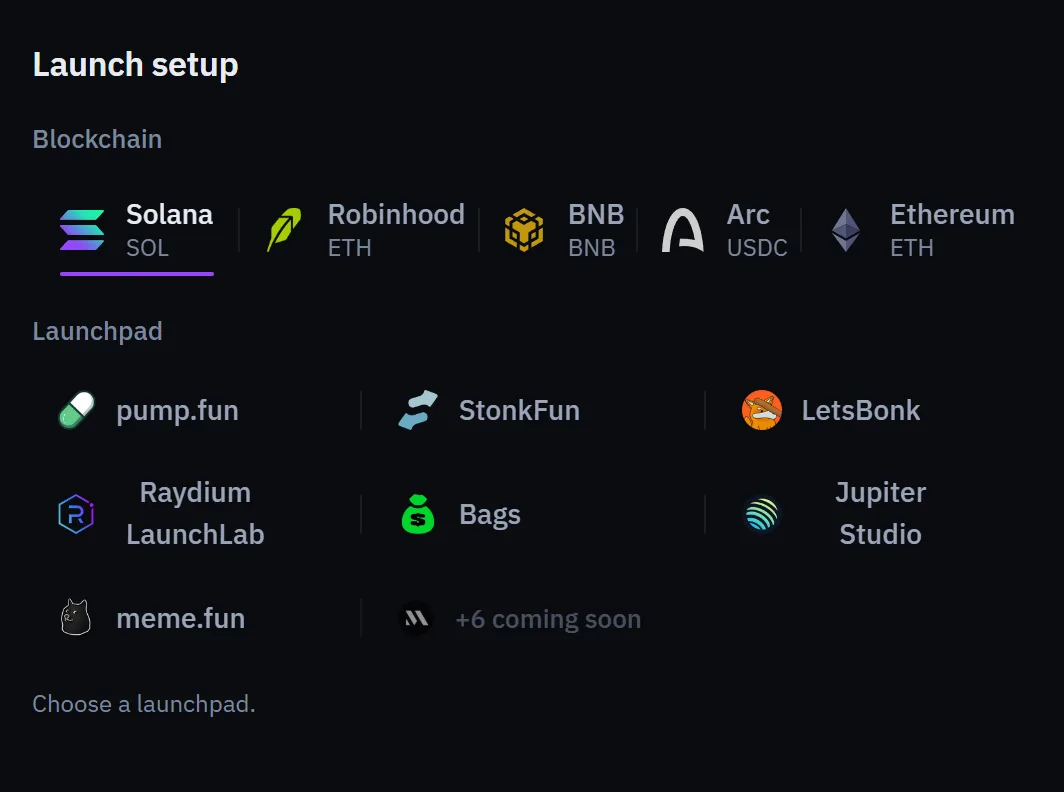
Pick the chain, then the launchpad. Launchpads shown greyed cannot be picked yet. The form keeps only the options the picked launchpad offers, and its amounts are in that chain's own coin, paid from that chain's master. See Chains and launchpads.
The coin#
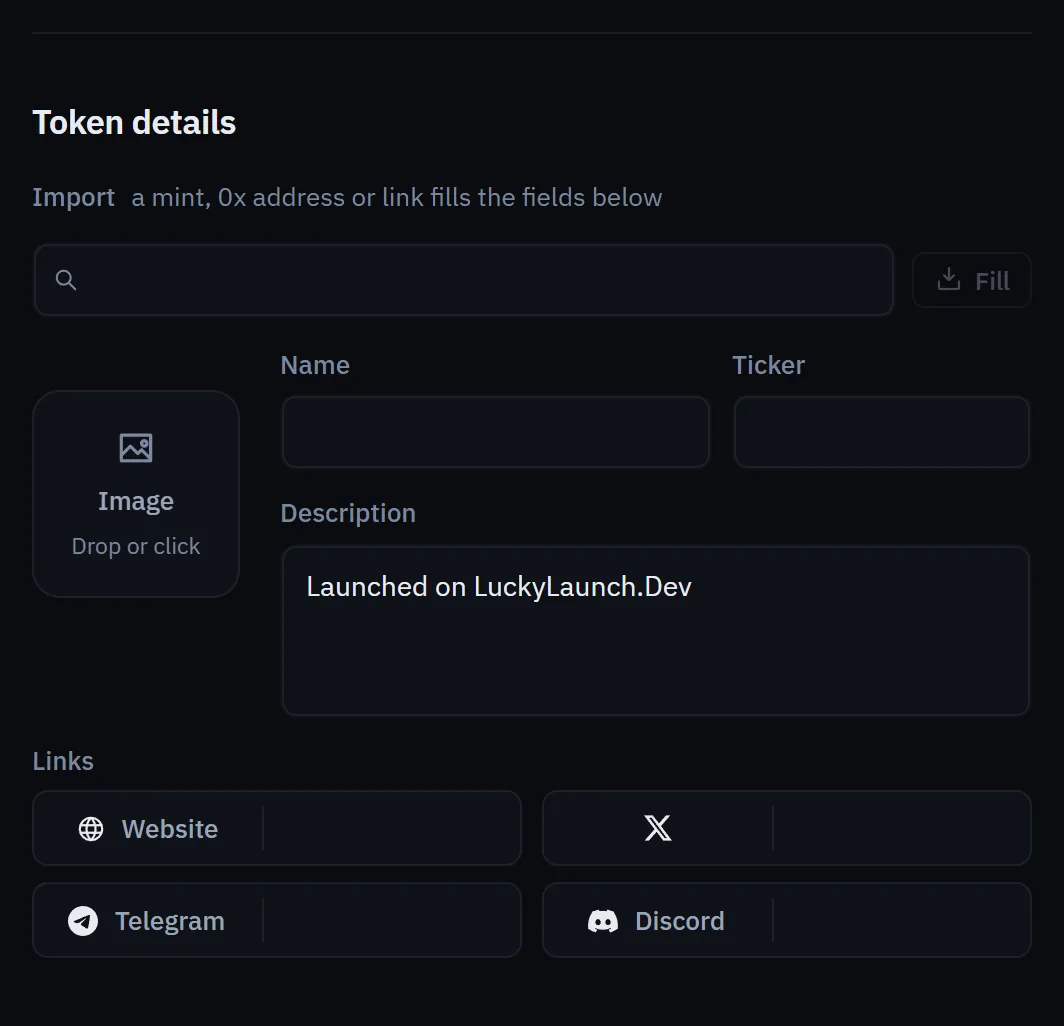
Give the coin a name and a ticker, and upload an image (PNG, JPG, WebP or GIF, up to 5 MB). Add a one-line description and any links: a website, an X link and a Telegram link. What you enter is published on chain and by the venue, and usually cannot be changed afterwards.
What the master pays#
The Total cost card adds up the dev buy, the launch, the bundle and the network fees, and compares it with your master's balance. Lucky Launch's own fee is a transfer inside the same transaction as the launch, and the Fees page explains what it is based on.
Wallets that are short of funds are loaded from your master when you press Launch. Load wallets does that step ahead of time, so you can see the wallets are funded before you launch.
Dry run#
Dry run checks the form the way a real launch would and shows the exact fee and cost. It signs and sends nothing. See Rehearsal and pausing.
When you press Launch#
- On Solana, the create and your dev buy go first, and your bundle wallets buy right after the create lands. The Block-0 launch mode buys your bundle in the coin's first block, before anyone else can buy.
- When the create confirms, your exits start watching the coin.
- The result shows the coin's address and a link to trade it.
On the other launchpads, a window lists each step of the launch with its state as it goes. You can hide it and the launch keeps running. Once the launch is confirmed, Trade it opens the coin on the Trading page.
Bundles, sizing and timing are explained in Bundles and buyers.
If a launch does not land#
If the transaction does not land, no coin is created. Any SOL that was loaded stays in your own wallets, and Lucky Launch takes no fee. A failed transaction can still cost a network fee.
Templates and schedules#
- Save as template keeps the form to load again later.
- Schedule this launch sends it at a time you choose. A launch that cannot run on time is marked missed and is not sent late.
- A schedule runs the whole form: a StonkFun launch quoted in a token (its dev swap into the quote included) and supply moves run at its time, as they do when you press Launch. You confirm once when you schedule it; that confirmation covers only what the form does, for the coin that launch creates.
- Templates work on every launchpad. The Schedule window says whether the launchpad you picked can be scheduled and what a schedule on it can carry.
Anyone can launch a coin with the same name, ticker or image as yours, and tools that map wallets will show the buys from your own wallets. The planner flags the things it can see.