
Deposits and withdrawals
How to add funds, how long a deposit takes, and how withdrawals are confirmed and sent.
Deposits#
Open Wallets, pick the chain on the left, and choose Deposit on the master wallet's row. The window shows that master's address and what has been credited so far.
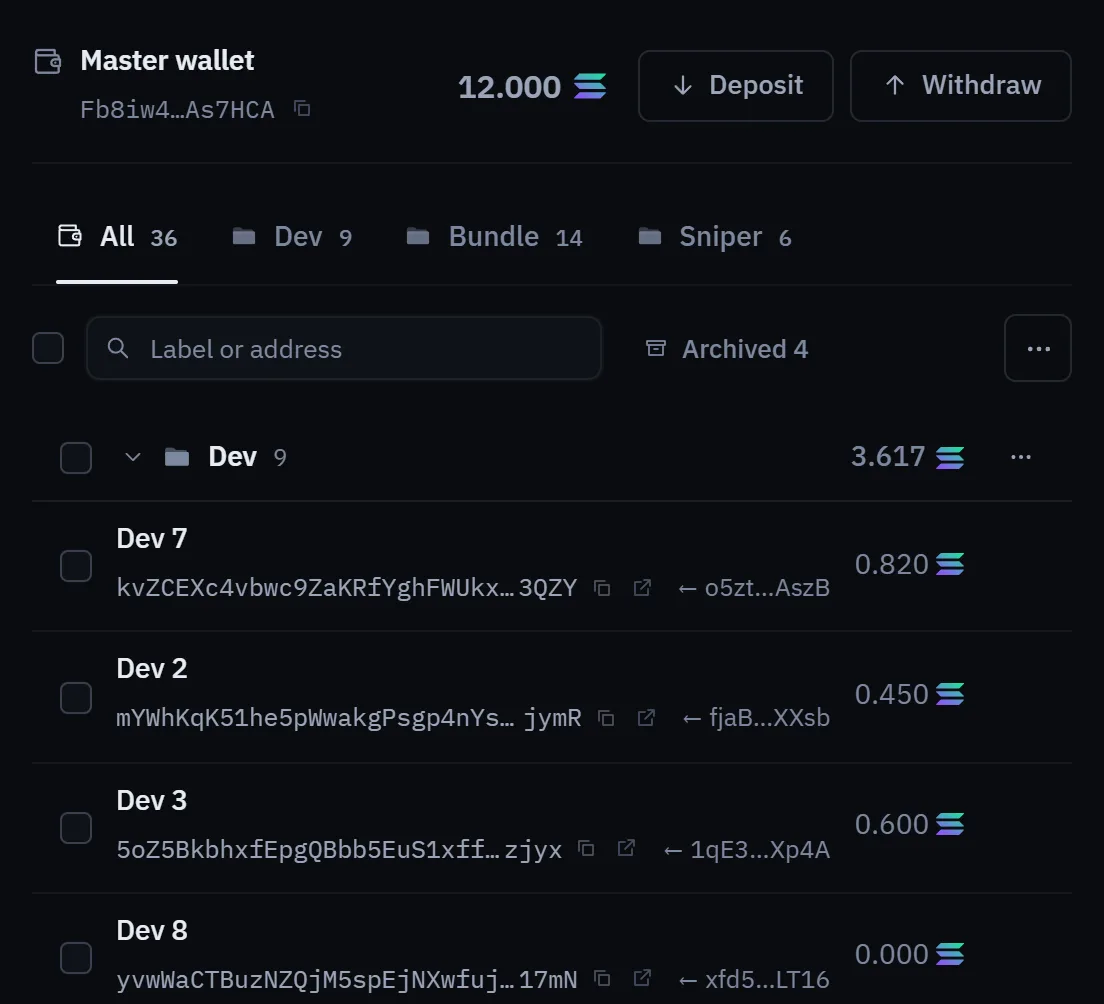
- Solana: send SOL (or USDC) to your Solana master address.
- Robinhood Chain: send ETH to your Robinhood Chain master address.
- BNB Chain, Arc and Ethereum: send the chain's own coin (BNB, USDC on Arc, ETH on Ethereum) to that chain's master address, shown on its tab.
A deposit is credited once it is final, not the moment it first appears: a short wait on Solana, a longer one on Robinhood Chain. Until it is credited you cannot spend it. Tokens that are not accepted, and amounts too small to be worth crediting, are kept aside: the Deposit panel lists them, and they are never credited.
Warning. Always send on the network the address belongs to. A transfer on the wrong network, or to the wrong address, cannot be recovered by Lucky Launch.
Withdrawals#
Open Wallets, pick the chain, and choose Withdraw. Pick the wallet to send from (your master or any other wallet of yours), the asset, the amount and the destination address. You can withdraw to any address on that network.
- Fill in the form, and type the destination address a second time. The app checks both match.
- Confirm it once. With two-factor sign-in on, that is your passkey or an authenticator code. Without it, you sign in again with X or Discord.
- The withdrawal is sent as soon as you confirm it, and the network fee is paid from the sending wallet.
There are no amount limits on withdrawals, and Lucky Launch charges no fee for them. Moving funds between your own wallets is a transfer, not a withdrawal.
No waiting period#
There is no wait on a new address or after a security change: every withdrawal is sent once you confirm it. A newly verified passkey or authenticator app can confirm it immediately.
When a withdrawal does not go through#
- Confirmation expired: a confirmation works once and runs out after a few minutes. Start again.
- Not enough left: the wallet must keep enough to pay the network fee and stay above the network's minimum balance. The form shows what is available.
- Frozen account: a frozen account can still sell and move funds back to its main wallet, but cannot withdraw until the freeze is lifted.
Before a withdrawal to a new address, check every character, and consider sending a small amount first. A sent transaction cannot be reversed.